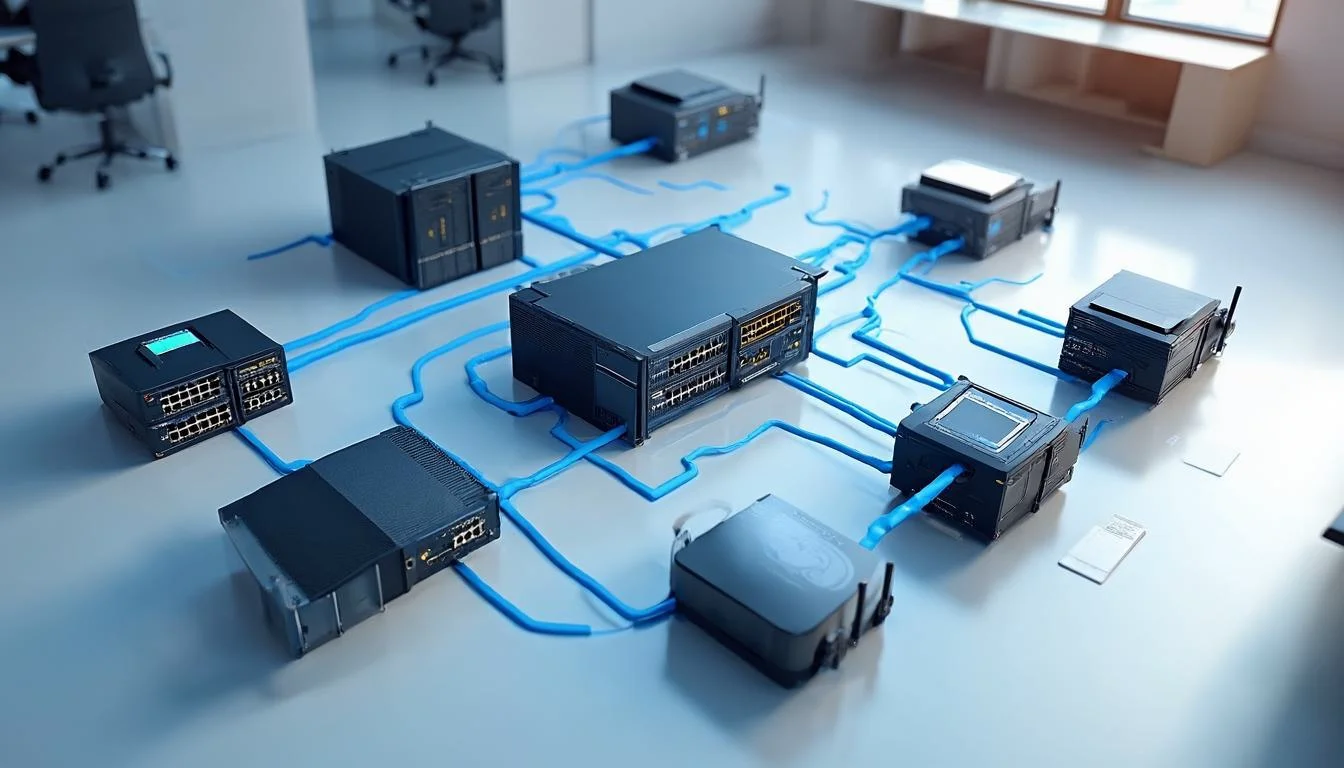
Your network is the backbone of your entire IT infrastructure. Every email sent, every file accessed, every video call made, and every cloud application used depends on a reliable, secure, and well-designed network. Yet for many UK businesses, networking is an afterthought, something cobbled together over the years without a coherent strategy.
In this guide, we cover the essential components of a modern business network, from LAN design and WAN connectivity to WiFi deployment, security implementation, and monitoring tools. Whether you are building a new office network or upgrading an existing one, these principles will help you create an infrastructure that supports your business today and scales for tomorrow.
LAN Design Best Practices
Your Local Area Network (LAN) is the foundation upon which everything else is built. A well-designed LAN delivers fast, reliable connectivity to every device in your office while providing the segmentation and security needed to protect your data.
Structured Cabling
Invest in quality structured cabling. Category 6A (Cat6a) cabling supports 10 Gbps speeds and should be the minimum standard for new installations. Proper cable management, labelling, and documentation will save countless hours of troubleshooting in the future. Ensure you have adequate patch panel capacity and consider future growth when planning cable runs.
Network Segmentation with VLANs
Virtual LANs (VLANs) allow you to segment your network into logical groups without requiring separate physical infrastructure. This is critical for both performance and security:
- Data VLAN: For standard workstation traffic, ensuring everyday business operations have dedicated bandwidth.
- Voice VLAN: Dedicated to IP telephony traffic with Quality of Service (QoS) prioritisation to ensure crystal-clear calls.
- Guest VLAN: Isolated network for visitors that provides internet access without exposing internal resources.
- Management VLAN: Restricted network for IT administration of network devices, servers, and security systems.
- IoT VLAN: Separate network for Internet of Things devices such as printers, cameras, and smart building systems.
Switching Infrastructure
Choose managed switches that support VLAN tagging, link aggregation, Power over Ethernet (PoE) for access points and IP phones, and SNMP monitoring. Implement redundant uplinks between distribution and core switches to eliminate single points of failure. For growing businesses, stackable switches offer easy expansion without complex reconfiguration.
WAN Connectivity Options
Your Wide Area Network (WAN) connects your office to the internet and, for multi-site businesses, links your locations together. The right WAN solution depends on your bandwidth requirements, reliability needs, and budget.
Internet Connectivity
- Full Fibre (FTTP): Symmetric speeds up to 1 Gbps or more. The gold standard for businesses with high bandwidth requirements.
- Leased Lines: Dedicated, uncontended connections with guaranteed bandwidth and service level agreements. Essential for mission-critical applications.
- Fibre to the Cabinet (FTTC): Widely available across the UK with speeds up to 80 Mbps. Suitable for smaller offices with moderate bandwidth needs.
- 4G/5G Backup: Mobile broadband as a failover solution ensures connectivity even when your primary connection goes down.
SD-WAN for Multi-Site Businesses
Software-Defined WAN (SD-WAN) is transforming how businesses connect multiple locations. Instead of relying on expensive MPLS circuits, SD-WAN uses intelligent software to route traffic across multiple internet connections, providing better performance, greater reliability, and significant cost savings. SD-WAN can dynamically prioritise critical traffic, failover between connections seamlessly, and provide centralised management of your entire WAN from a single dashboard.
WiFi Deployment
Wireless connectivity is no longer a nice-to-have; it is an essential business requirement. A properly deployed WiFi network provides reliable coverage throughout your premises while maintaining security and performance.
Planning and Site Survey
Before deploying access points, conduct a professional wireless site survey. This identifies optimal access point placement, potential interference sources, and coverage dead spots. The survey should account for building materials, floor plans, user density, and the types of devices that will be connecting. Predictive surveys using software tools can save significant time, but validation surveys after installation ensure real-world performance matches expectations.
Access Point Selection and Placement
- WiFi 6 (802.11ax): The current standard offering faster speeds, better performance in dense environments, and improved battery life for client devices.
- WiFi 6E: Adds 6 GHz band support for even more bandwidth and less interference, ideal for high-density deployments.
- PoE powering: Simplifies installation by eliminating the need for separate power outlets at each access point location.
- Cloud management: Cloud-managed access points allow remote monitoring, configuration, and troubleshooting without on-site visits.
Network Security Implementation
Security must be woven into every layer of your network design, not bolted on as an afterthought. A defence-in-depth approach uses multiple overlapping security measures to protect your business.
Essential Security Components
- Next-Generation Firewall (NGFW): Modern firewalls that inspect traffic at the application layer, block threats, and provide detailed visibility into network activity.
- Intrusion Detection and Prevention (IDS/IPS): Systems that monitor network traffic for suspicious patterns and automatically block detected threats.
- Network Access Control (NAC): Ensures only authorised devices can connect to your network and enforces security policies before granting access.
- DNS filtering: Blocks access to known malicious domains, phishing sites, and inappropriate content at the DNS level.
- VPN for remote access: Secure encrypted tunnels for remote workers and site-to-site connections between offices.
- 802.1X authentication: Port-based network access control that requires devices to authenticate before accessing the network.
Monitoring and Management Tools
You cannot manage what you cannot see. Network monitoring tools provide the visibility you need to maintain performance, detect issues proactively, and plan for future growth.
Key Monitoring Capabilities
- Real-time performance dashboards: Visualise bandwidth usage, latency, packet loss, and device health at a glance.
- Automated alerting: Receive immediate notifications when performance thresholds are breached or devices go offline.
- Traffic analysis: Understand which applications and users are consuming the most bandwidth to inform capacity planning.
- Configuration management: Track changes to network device configurations, maintain backups, and ensure compliance with standards.
- Historical reporting: Trend analysis over time helps identify gradual performance degradation and plan upgrades before problems occur.
A well-designed network is an investment in your business's productivity, security, and growth potential. Whether you need a complete network overhaul or targeted improvements, partnering with experienced network engineers ensures your infrastructure is built to the highest standards and maintained for long-term reliability.